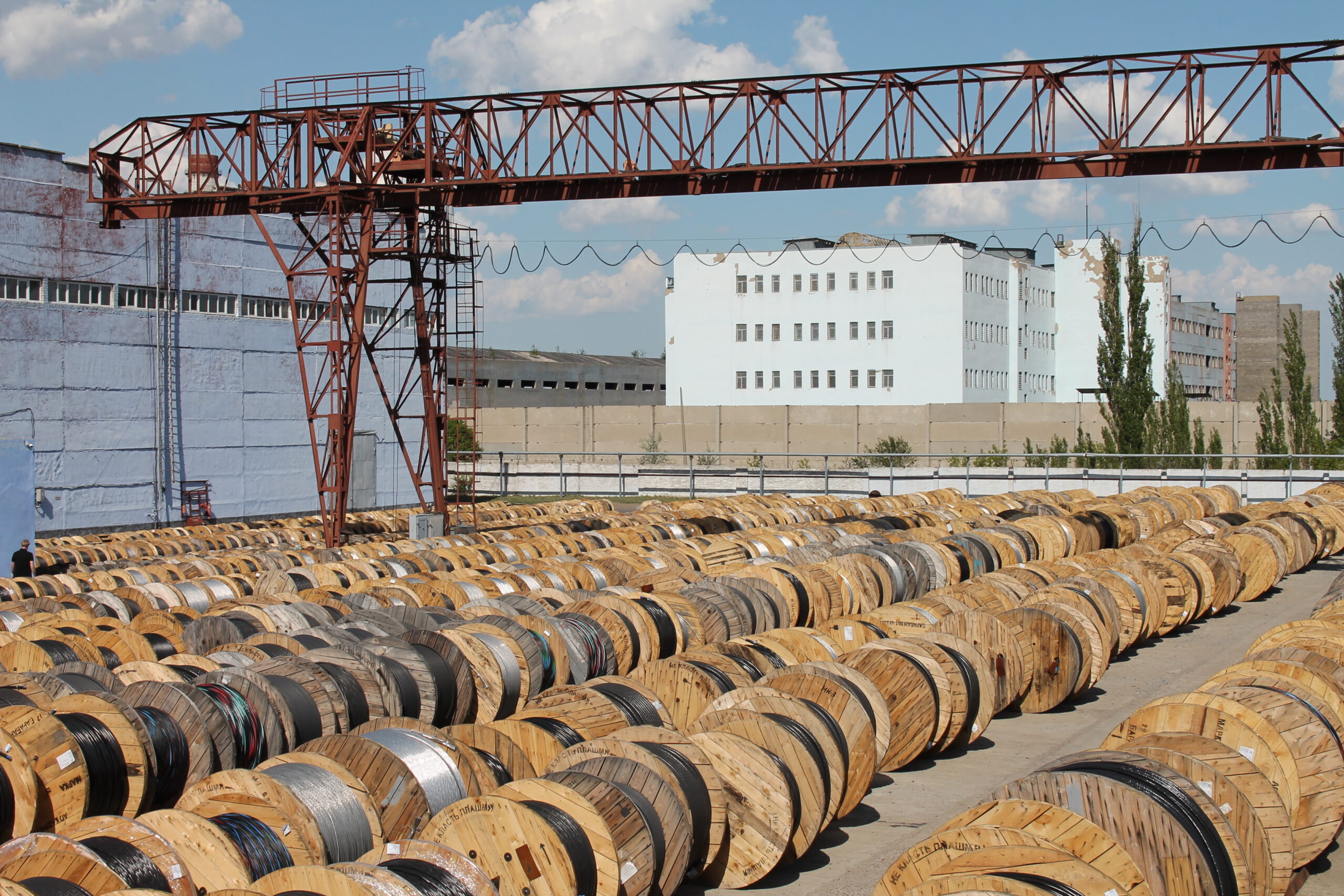
Telephone Cable Installation: Rules, Installation, Crimping and Connection
The telephone cable remains a sought‑after element of communication networks despite the development of optical fibre. It delivers the signal from the exchange to the apartment, connects analogue devices and ADSL modems. The stability of voice communication and internet speed depend on the quality of laying and connections. In this article we have collected the main rules for laying, terminating, crimping connectors and methods for testing the line. For those who wish to study the types and makes of wires in more depth, we recommend the material details about telephone cable.
1. Regulatory Framework and General Requirements
The installation of telephone cables is regulated by a number of documents. The main ones are PUE‑7, Chapter 2.3, SP 134.13330.2012 “Communication systems of real estate objects”, GOST R 21.1703‑2000. These standards define the depth of burial in the ground, distances to power lines, requirements for joints and splicing. Before starting work, the project documentation must be studied, which reflects the routes, cable types, and methods of building entry. Any deviation from the project requires agreement with the customer and the design organisation.
2. General Information About Telephone Cables
A telephone cable is a symmetrical transmission line for low‑frequency signals. It consists of copper cores insulated with polyethylene or PVC, twisted into pairs to reduce cross‑talk. For subscriber wiring in apartments, flat ShTLP wire is used, for distribution networks — multi‑pair TPPep, for outdoor suspension — TPPep with a messenger wire. The installation of telephone cables requires carefulness, because even one broken core can leave a subscriber without communication. Depending on the operating conditions, armoured versions are chosen for burial, hydrophobic for cable ducts, and non‑combustible for indoor work.
3. Tools for Working with Telephone Cable
Before starting laying and termination, a set of tools is prepared:
- stripper for removing the sheath and insulation;
- crimping tool for crimping RJ11, RJ12, RJ45 connectors;
- multimeter or tester for continuity testing;
- installation knife with a heel;
- pliers for crimping sleeves or terminal blocks;
- reel with a draw tape for pulling into conduits;
- splitter or 2‑way splitter if two devices need to be connected;
- tone generator and inductive probe for identifying pairs in multi‑pair cables;
- heat‑shrink tubing, insulating tape, silicone sealant.
For underground laying, a shovel, warning tape, and sand are added. For aerial — a messenger wire, clamps, anchor brackets. High‑quality tools reduce the work time and eliminate core damage.
4. Laying Telephone Cable Inside Buildings
Indoors, the cable is run along skirting boards, in cable ducts or openly on the wall with staples fastened every 30–40 cm. For concealed wiring, it is placed in a corrugated tube or a chased‑out channel. It is important not to lay a telephone line next to power wiring: the minimum distance to power cables is 0.5 m, and if there is a partition — 0.1 m. This protects against 50 Hz interference, which is heard as a hum in the telephone earpiece.
At bends, a bending radius of at least 6 cable diameters is observed. If it is necessary to pass the cable through a wall, the hole is protected with a sleeve and sealed. In wooden houses, non‑combustible types (TPVng) or metal conduit are used. For concealed wiring in plasterboard partitions, flat ShTLP is used, which is easy to hide under wallpaper or skirting. In offices, telephone cables are often laid in plastic trunking together with computer networks, but in different compartments.
5. Laying Telephone Cables in the Ground
Underground laying of communication cable requires compliance with depth. For an armoured telephone cable, the minimum trench depth is 0.7 m, and when crossing roads and parking areas — up to 1.15 m. The bottom is covered with a sand bed 10 cm thick, the cable is laid in a snake pattern, again covered with sand to 10 cm, then with soil and warning tape. Unarmoured cable must not be lowered into the ground without protection — it is placed in an HDPE pipe or corrugated conduit. Underground, telephone lines are kept at least 0.5 m away from power lines to avoid the influence of stray currents.
For building entry, the pipe must protrude above the ground by 30 cm or more, and its mouth is sealed. The trench must have a slope for water drainage. When laying in heaving soils, compensation loops are provided so that the cable does not rupture during ground movements. In rocky soils, the depth may be reduced, but then protective slabs are used.
6. Aerial Suspension of Telephone Cable
Overhead, the telephone cable is suspended on a steel messenger wire or self‑supporting types with an integrated load‑bearing element are used. The messenger wire is tensioned between supports or between a building and a pole. The cable is fixed to the messenger wire with clamps at 40–50 cm intervals. It is important to ensure a sag so that breakage does not occur during ice and wind. At the building entry, a drip loop is arranged — a loop down which water drains without entering the building.
Suspension on supports requires compliance with clearances: the distance to the ground is not less than 2.75 m on pedestrian walkways, up to 5 m above a carriageway. When jointly suspended with power conductors, a distance of 0.5 m vertically and horizontally is maintained. For trunk communication lines, TPPept cable with a messenger wire is used. Subscriber branches are made with self‑supporting ShTLP‑T or lightweight TPPep 1×2×0.5.
7. Telephone Cable Pinout
Before crimping a connector or connecting to a socket, it is necessary to know the order of the cores. In telephone networks, 2 or 4 wires are used. The classic pinout for an RJ11 with 2 wires is the middle contacts 2 and 3. If 4 wires are used, contacts 2–3 are the main line, 1–4 — the second line. The colour coding may vary, but usually the “red‑green” or “blue‑white‑blue” pair goes to contacts 2‑3.
For internet via a telephone line, an RJ45 connector is used, but the 4‑wire pinout for ADSL follows the T568B standard: white‑orange (1), orange (2), white‑green (3), blue (4), white‑blue (5), green (6), white‑brown (7), brown (8). When only 4 wires are used, contacts 1, 2, 3, 6 are engaged. It is important to correctly crimp the connector so as not to mix up the pairs, otherwise the modem will not synchronise.
| RJ45 contact | Colour (T568B) | Signal |
| 1 | white‑orange | Transmit + |
| 2 | orange | Transmit − |
| 3 | white‑green | Receive + |
| 6 | green | Receive − |
8. How to Crimp a Telephone Cable
Crimping a telephone cable begins with removing the outer sheath to a length of 15–20 mm. The cores are untwisted, aligned in the required order and inserted into the connector as far as they will go. Then the contact blades are pressed with a crimping tool. For 4 wires, the pinout is performed according to the scheme indicated above. After crimping, the circuit integrity must be checked with a tester. If the connector is crimped incorrectly, the signal will not pass or crackling will appear in the earpiece.
Crimping an RJ11 connector differs in that only 2 or 4 centre contacts are used. For outdoor lines, protected connectors with silicone seals are used. When crimping 4 wires, it is important not to mix up the pairs. A common mistake is breaking a core due to excessive pressure of the crimping tool or getting insulation into the contact zone. High‑quality crimping gives a reliable contact for decades.
9. Connecting a Telephone Set and Socket
To connect a telephone set to the line, an RJ11 socket or the old Soviet RTShK‑4 is used. The socket is connected to the line with two wires, observing polarity: the centre contacts. Modern sets are not sensitive to polarity, but for some PBX models it is important. If it is necessary to connect two sets to one line, a splitter or 2‑way splitter is used. It divides the signal, but when both handsets are lifted simultaneously, both subscribers will hear each other. Connection to a telephone socket is made via terminals or a crimp connector. For fixed installation, terminal blocks are used.
In an apartment, it is often necessary to connect several sockets in parallel. For this, branches are made from the main line. A connector called an “inline coupler” allows lengths of cable to be neatly joined. It is important not to create “twists in the wall”; all connections must be accessible for inspection.
10. How to Connect a Telephone Cable to the Internet
Can the internet be connected via a telephone cable? Yes, using ADSL or VDSL technology. For this, a splitter is needed that separates the voice signal from the data, and a modem. Connecting the internet via a telephone cable is done as follows: the line from the exchange enters the splitter, from the LINE output goes to the telephone, from the MODEM output — to the ADSL modem. The internet speed via a telephone cable depends on the length and quality of the line. At a distance of up to 1 km it is realistic to obtain 8–12 Mbit/s, up to 3 km — 2–4 Mbit/s. For stable communication, high‑quality TPPep cable is used, and inside the apartment — UTP 5e twisted pair.
Connecting a telephone cable to a router with an ADSL port is simple: the cord is inserted into the RJ11 connector, the other end — into the splitter. The router is configured via the web interface, specifying the VPI/VCI, login and password of the provider. If it is necessary to connect to a computer directly, without a router, an ADSL modem connected via USB or Ethernet is used. For high‑quality communication, microfilters are used on each telephone set so that high‑frequency noise from the equipment does not degrade the ADSL channel.
| Line length, km | Maximum downstream speed, Mbit/s | Maximum upstream speed, Mbit/s |
| 0.5 | 24 | 3.3 |
| 1.0 | 18 | 2.5 |
| 2.0 | 10 | 1.0 |
| 3.0 | 6 | 0.8 |
| 4.0 | 3 | 0.5 |
| 5.0 | 1.5 | 0.3 |
11. Joining Telephone Cables Together and Repair
Joining telephone cables together is performed by twisting with soldering or with crimp sleeves. Twisting of wires is permissible, but must be soldered and insulated. A more reliable method is a connector for a terminal block. When repairing a break, the damage location is found with a multimeter, the defective section is cut out and the cores are spliced. Continuity testing with a multimeter helps to determine which core is broken. For long‑distance lines, joints are used: heat‑shrink or cast. The installation of a joint includes removing the sheath, splicing the cores, and restoring the insulation. Outdoor joints are filled with gel or sealed with heat‑shrink.
Repair of a flat ShTLP cable differs in that the cores run in parallel, so splicing is convenient to perform using insulation displacement connectors. In multi‑pair cables, each pair is identified by colour and spliced separately. For convenience, colour coding is used: the main pair — red/green or blue/white‑blue, subsequent pairs have their own colour gamut.
12. Testing and Continuity Testing of a Telephone Cable
You can test a telephone cable with a multimeter in the resistance measurement mode. A sound pair should show a loop resistance of about 200–1000 Ω depending on the length. What is the voltage in a telephone line in standby mode? About 48–60 V DC, and during a call the AC voltage reaches 100–120 V. The multimeter is set to DCV mode, connected to the line cores and the value is recorded. If there is no voltage, the line is broken or disconnected at the exchange.
You can test a cable without a multimeter, using a battery and a bulb or a special tone generator. Testing a 4‑core cable makes it possible to determine the correspondence of cores at the ends, find a break or a short circuit. For identifying pairs, it is convenient to use colour coding: the main pair — red/green or blue/white‑blue. For multi‑pair cables, a tone probe is used: the generator is connected to a pair, and the probe is used to find it at the other end.
13. Typical Mistakes During Laying and Connection
The most common mistakes when installing telephone cables:
- Excessive tension during laying leads to copper elongation and deterioration of characteristics.
- Over‑tightening with staples or ties deforms the insulation, which causes a short circuit.
- Laying next to power cables without a screen or partition creates a background hum.
- Absence of sealing at the building entry — water gets inside and destroys the conductor.
- Twisting of cores without soldering in the ground oxidises quickly and the signal disappears.
- Use of an unsuitable cable type: indoor cable outdoors cracks from ultraviolet radiation.
14. Conclusion
Proper installation of a telephone cable means compliance with depth standards, distances to power lines, correct crimping and reliable connection of cores. With the help of simple tools and a multimeter, you can independently test a line, connect a telephone or the internet. For those who wish to understand the types and constructions in more depth, the guide to telephone cables will be useful, and the catalogue telephone cable presents all the main types for indoor and outdoor installation.